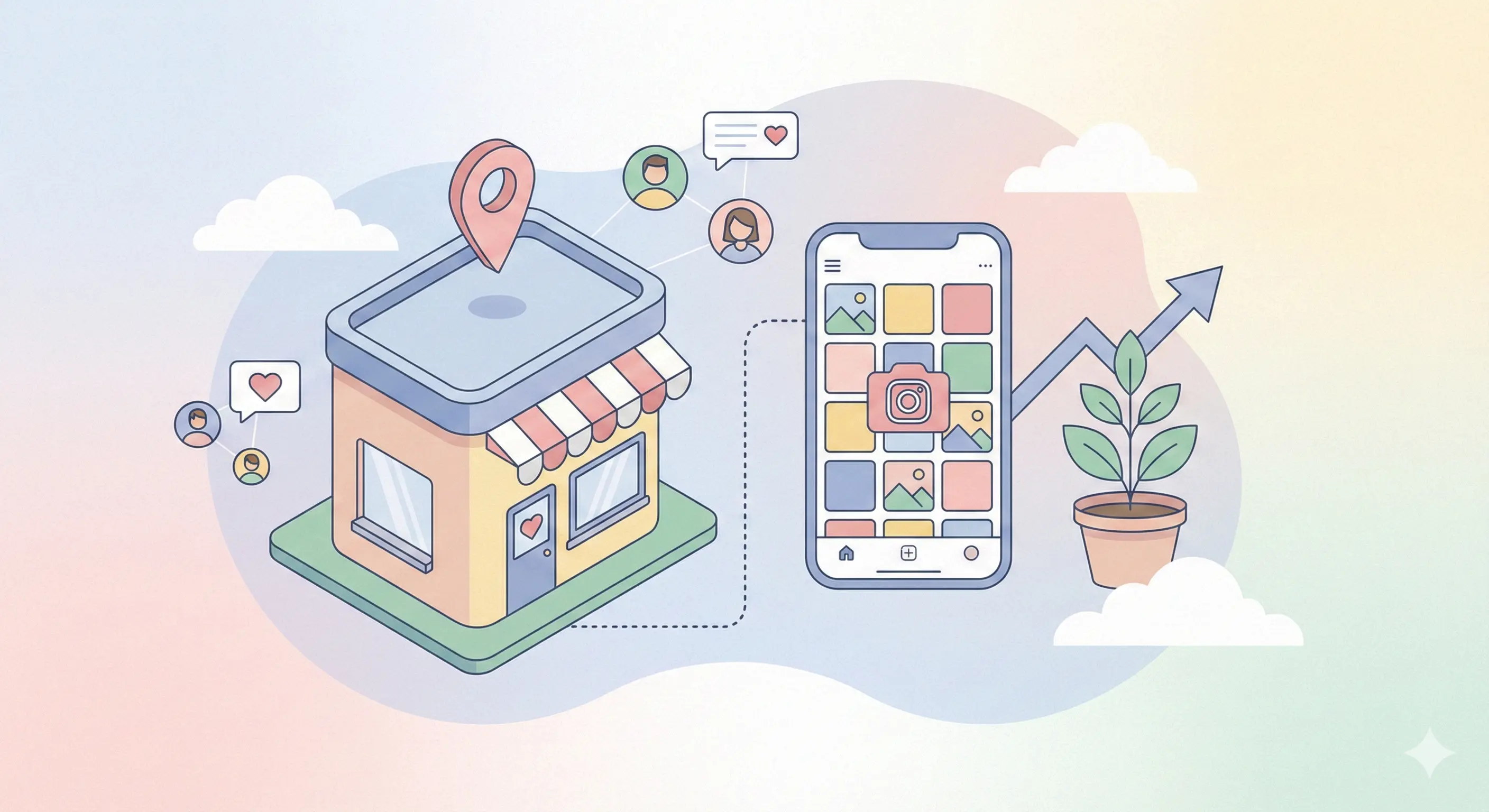
If you run a local coffee shop, boutique, salon, or restaurant, Instagram isn't just a social network, it's your new digital storefront.
In 2026, people don't just "Google it." They "Instagram it." They look up your location tag to see what the food actually looks like. They check your Stories to see if you're open today. They DM you to ask if you have that specific item in stock.
If your Instagram presence is weak, you're not just losing "likes", you're losing foot traffic.
This guide is your complete blueprint for turning Instagram from a time-suck into a revenue engine for your local business. We'll cover everything from local SEO to automation strategies that work while you sleep.
Why Instagram Is Critical for Local Businesses
For local businesses, Instagram bridges the gap between online discovery and offline visits.
The New "Yellow Pages"
Your potential customers are visual. They want to see the vibe of your gym, the plating of your pasta, or the results of your haircut before they book. Instagram provides this social proof instantly.
Geo-Discovery
Instagram's map search and location tags allow users to discover businesses near them. If you're not optimized for this, you're invisible to people searching right in your neighborhood.
Direct Communication
Customers expect instant answers. "Are you open?" "Do you have vegan options?" "Can I book for 7 PM?" Being responsive on Instagram can be the difference between a filled table and an empty one.
1. Optimize Your Profile for Local Discovery (Local SEO)
Your bio is more than just a description; it's a search engine mechanism.
The Name Field Hack
Your "Name" field (the bold text at the top) is searchable. Your username often isn't enough.
- Bad: @joescoffee / "Joe's Coffee"
- Good: @joescoffee / "Joe's Coffee - Austin Espresso Bar"
Adding your city and category helps people find you when they search generic terms like "Austin Espresso."
The Location Tag
This sounds obvious, but ensure your business address is linked in your profile settings. This allows users to click for directions instantly. If you're a service area business without a storefront, put your city/region clearly in your bio text.
The "Action" Buttons
Instagram allows specific buttons for local businesses:
- Order Food (integrates with UberEats, DoorDash, etc.)
- Book Now (integrates with scheduling tools)
- Reserve (integrates with OpenTable, Resy)
Use these! They reduce friction. A customer shouldn't have to leave the app to give you money.
2. Content Strategy: Show, Don't Just Tell
Local content needs to feel... local. Glossy, stock-photo style posts often perform worse than authentic, gritty, "real" content.
Showcase Your Space & Staff
People buy from people. Introduce your baristas. Show the chef prepping specifically for the dinner rush. Show the stylist mixing color.
- Idea: "Meet the Team" Tuesdays.
- Idea: Behind-the-scenes timelapse of setting up the shop.
Highlights for FAQs
Use Story Highlights to answer the questions that clog up your phone lines:
- Menu / Services: clear photos of your offering.
- Hours & Location: a map and current hours.
- Reviews: reshare happy customer stories.
- Parking: show exactly where to park (a surprisingly huge pain point!).
User-Generated Content (UGC) is Gold
When a customer tags you in their Story, repost it.
- It makes the customer feel special (loyalty!).
- It serves as authentic social proof for everyone else watching.
- It's free content for you.
3. Local Hashtags & Geotags: Being Found
Forget #Coffee (300 million posts). You'll be buried in seconds. You need to dominate local tags.
The "Ladder" Strategy
Use a mix of:
- Broad Local: #AustinTX, #AustinBusiness
- Niche Local: #AustinCoffee, #AustinEats, #DowntownAustin
- Hyper-Local: #SouthCongress, #78704 (Zip codes!)
Geotag Every Single Post
Never post without a location. Usually, tag your specific business location. occasionally, tag the broader neighborhood (e.g., "The Domain") to get seen by people browsing that area's feed.
4. Partner with "Micro" Local Influencers
You don't need the influencer with 100k followers who lives in LA. You need the food blogger with 5k followers who lives 10 blocks away.
Why Micro-Influencers?
- Higher Engagement: Their followers actually trust them.
- Local Audience: Their followers actually live near you.
- Lower Cost: Often willing to trade a post for a free meal or service.
Strategy: Invite 5 local micro-influencers for a VIP tasting or experience. The cost to you is COGS (Cost of Goods Sold); the return is exposure to thousands of locals.
5. Engagement: The Secret Sauce
You cannot post and ghost.
- Reply to every comment: Even just an emoji. It signals to the algorithm that you are active.
- Engage locally: detailed strategy below.
The "5-3-1" Local Engagement Method
Spend 15 minutes a day:
- Go to the location tag of a business nearby (non-competitor). E.g., if you're a salon, check the coffee shop next door.
- Find 5 resent posts from regular people (not businesses).
- Like 3 of their photos.
- Leave 1 genuine comment (e.g., "Love that latte art!"). Do not sell. Just be a friendly neighbor. When they see the notification, they'll check your profile. "Oh, a salon next door? I need a haircut."
6. Automating It All (for Busy Owners)
You run a business. You don't have time to be on Instagram 24/7. This is where automation saves your life.
Auto-Reply to FAQs
Using tools like IceKulfi, you can set up automated replies for common keywords in DMs.
- Customer: "What are your hours?"
- Bot: "We are open Mon-Fri 8am-6pm, and Sat-Sun 9am-8pm! Hope to see you soon! ☕️"
Reservation & Booking Automation
Don't make people wait for a reply to book.
- Customer: "Do you have tables for tonight?"
- Bot: "We have a few spots left! You can book instantly here: [Link] or call us at 555-0199 for parties over 6."
Story Mention Replies
When someone tags you in a Story, automate a "Thank You" DM.
- Bot: "Thanks for the mention! We loved having you in. Show this message next time you come in for 10% off your drink! 🥐"
- Result: You just guaranteed a repeat visit.
Directions & Parking
- Trigger Keyword: "Parking", "Location", "Where are you"
- Bot: "We are located at 123 Main St. There is free parking in the back lot (entrance on 2nd Ave)! Here is a Google Maps pin: [Link]"
7. Running Local Ads (Simplified)
Organic reach is great, but paid reach is reliable.
- Objective: "Profile Visits" or "Messages".
- Audience: "Current Location" + Radius (e.g., 5 miles).
- Content: A high-quality photo of your best-selling item.
- Offer: "Mention this ad for a free appetizer."
This ensures you are only paying to reach people who can physically visit you.
Conclusion: Consistency Wins
Local business marketing on Instagram isn't about going viral globally. It's about being famous locally. It's about becoming the "usual spot" for the people in your zip code.
Start by optimizing your profile today. Post authentic content. Engage with your neighbors. And use automation to handle the repetitive inquiries so you can focus on what you do best running your business.
Want to set up those automated replies for your hours, location, and bookings? Check out IceKulfi to turn your Instagram DMs into a 24/7 concierge for your local business.