If you're scrolling through Instagram in 2026, you've noticed a shift. while Reels garner massive views, Carousel posts are where the deep engagement happens. They are the "articles" of Instagram where value is delivered, stories are told, and conversions happen.
For businesses and creators, carousels are no longer optional. They are a strategic necessity. Why? Because they leverage a unique algorithm advantage: the second chance. If a user scrolls past your carousel without swiping, Instagram often shows them the second slide later in their feed. That’s two opportunities to capture attention for the price of one post.
In this comprehensive guide, we'll go into the art and science of Instagram carousels. from design principles that stop the scroll to psychological triggers that force a swipe.
Why Carousels Outperform Single Images
The data is clear: Carousels consistently drive higher engagement rates than single-image posts. But why?
1. The "Time on Post" Metric
Instagram's algorithm loves it when users spend time on your content. A single image takes 1-2 seconds to consume. A 10-slide carousel? That can hold a user's attention for 20, 30, or even 60 seconds. This signals to the algorithm that your content is valuable, boosting your reach.
2. The Narrative Arc
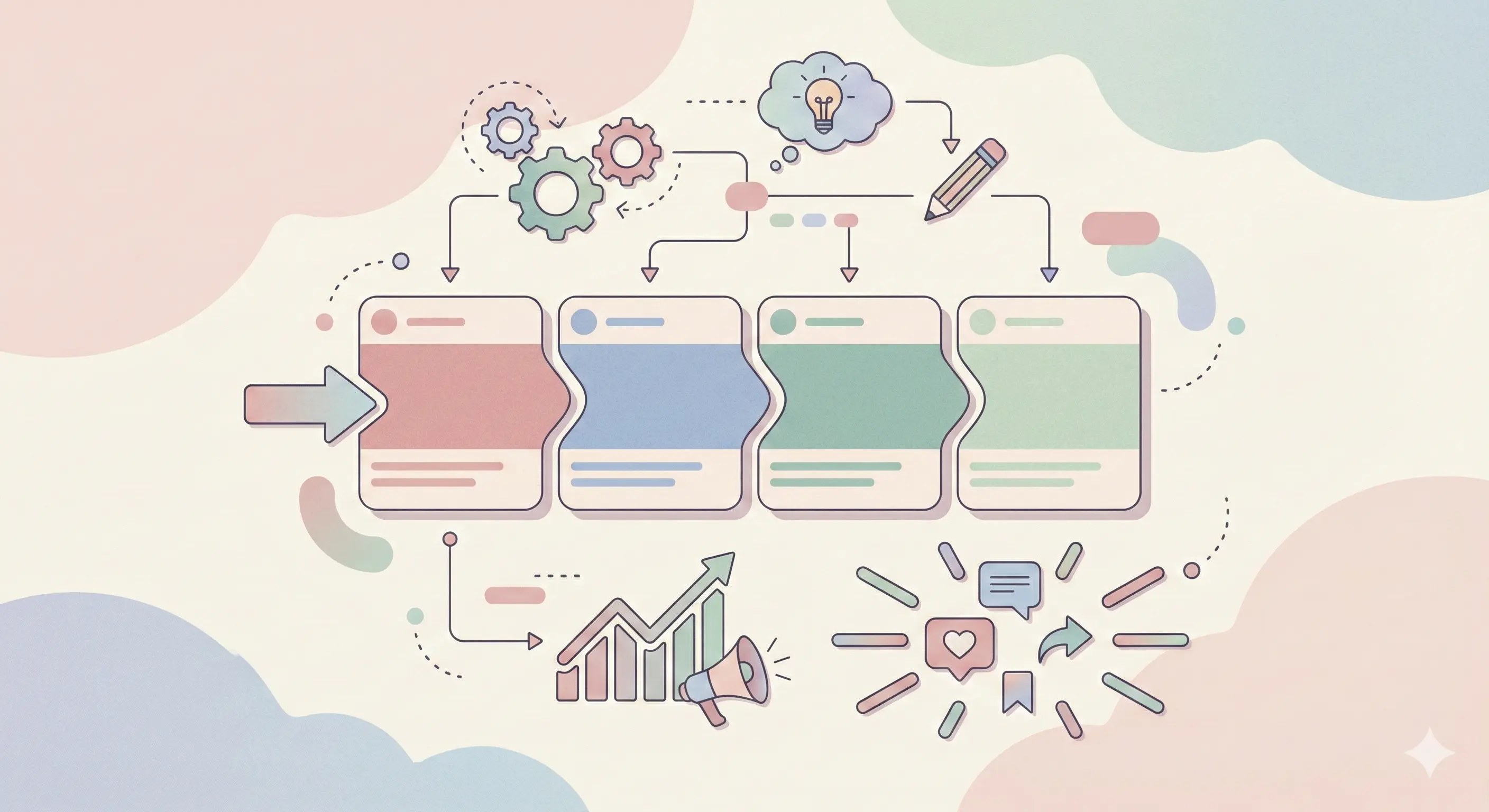
Carousels allow you to tell a story with a beginning, middle, and end. You can hook the reader, agitate a problem, provide a solution, and deliver a powerful call to action (CTA). This structure builds trust and authority in a way a single image cannot.
3. Save-able and Share-able Stats
Educational, step-by-step carousels are prime candidates for "Saves." Users save them to reference later. Entertaining or relatable carousels drive "Shares." Both metrics are gold dust for growth in 2026.
4. Interactive Engagement
Swiping is an active micro-commitment. Once a user swipes once, they are more likely to swipe again, and eventually like or comment. It turns a passive scroller into an active participant.
Carousel Design Principles: stopping the Scroll
You can have the best information in the world, but if your design puts people to sleep, no one will read it.
The A.I.D.A. Model for Cover Slides
Your first slide (the cover) has one job: Get them to swipe. Use the A.I.D.A. model:
- Attention: Use a bold headline, high-contrast colors, or a provoking question.
- Interest: Tease a benefit or a "secret" aimed at your specific audience.
- Desire: Show them what they will gain (e.g., "Learn this widely unknown hack").
- Action: A subtle visual cue like an arrow pointing right.
The "Seamless" Aesthetic
Seamless carousels where one slide flows continuously into the next create a sense of continuity. When an image or text element cuts off at the edge of slide 1 and finishes on slide 2, the user feels a psychological urge to "complete the picture" by swiping.
Typography Hierarchy
Don't wall-of-text your audience. Use a clear hierarchy:
- Headline: Large, bold, easy to read in < 1 second.
- Sub-headline: Explains the context.
- Body Text: Keep it concise. Bullet points are your best friend.
- Emphasis: Use bolding, italics, or highlight colors for key takeaways.
Consistency is Key
Your carousels should look like yours. define a set of templates with your brand fonts, colors, and logo placement. When a follower sees your post, they should recognize it instantly before reading the handle.
10 Carousel Formats That Work Like Crazy
Stuck on what to post? Rotate through these proven formats.
1. The "How-To" Tutorial
Break down a complex process into simple steps.
- Structure: TItle → Step 1 → Step 2 → Step 3 → Result → CTA.
- Best for: Educational niches, coaches, service providers.
2. The "Mistakes vs. Fixes"
Highlight a common error your audience makes and show the correct way.
- Structure: "Stop doing X" → "Why it hurts you" → "Do this instead" → "The Benefit" → CTA.
- Best for: Positioning yourself as an expert.
3. The "Listicle"
A curated list of tools, books, resources, or tips.
- Structure: "Top 5 Tools for X" → Tool 1 → Tool 2... → "Which is your fav?" CTA.
- Best for: High saves (people save lists to buy/check later).
4. The "Storytime"
Share a personal journey, a client case study, or a lesson learned.
- Structure: The Struggle/Hook → The Turning Point → The Action Taken → The Success → The Moral.
- Best for: Building connection and trust.
5. The "Before & After"
Visual proof of your results.
- Structure: The "Before" (Pain) → The Process (Work) → The "After" (Pleasure) → "Want these results?" CTA.
- Best for: Visual industries (fitness, design, renovation).
6. The "Unpopular Opinion"
Challenge a widely held belief in your industry. Controversy creates conversation.
- Structure: The Belief → Why It's Wrong → The Better Way → "Agree or Disagree?" CTA.
- Best for: Generating comments and debate.
7. The "Checklist"
A simple audit or daily routine planner.
- Structure: "Is your X ready?" → Item 1 → Item 2... → "Score yourself" CTA.
- Best for: Quick value and saves.
8. The "Data/Infographic" Breakdown
Take a complex stat or chart and explain it slide by slide.
- Structure: The Chart → Insight 1 → Insight 2 → What it means for you → CTA.
- Best for: B2B, finance, marketing.
9. The "Zoom In"
Start with a big picture concept, then "zoom in" on specific details with each slide.
- Structure: Concept → Detail A → Detail B → Detail C → Summary.
- Best for: Product features or art details.
10. The "FAQ"
Answer top questions you get in DMs.
- Structure: "I get asked this a lot..." → Q1 + A → Q2 + A... → "Ask me anything" CTA.
- Best for: Overcoming sales objections.
Tools for Creating Killer Carousels
You don't need to be a Photoshop wizard.
- Canva: The go-to for most creators. Thousands of free templates and "Magic Resize" features make it effortless.
- Figma: Excellent for creating seamless panoramic carousels. It gives you an infinite canvas to design across slides.
- Adobe Illustrator: The pro choice for vector graphics and custom typography.
- Carousel templates: marketplaces like Creative Market sell bundles that you can just drop your text into.
Carousel CTAs That Drive Action
The last slide (the "End Card") is the most important real estate. Do not waste it. This is where you convert attention into action.
The "Engagement" CTA
- "Save this post to use later." (Boosts algorithmic ranking)
- "Share this with a friend who needs to hear it." (Expands reach)
- "Double tap if you agree." (Easy engagement)
The "Comment" CTA (The Automation Trigger)
This is the most powerful CTA in 2026.
- "Comment 'GUIDE' and I'll DM you the PDF."
- "Comment 'LINK' for the full video."
- "Comment 'Yes' if you want part 2."
Why this works: Key to the IceKulfi strategy.
- Algorithmic Boost: Comments are high-value engagement signals.
- Zero Friction: The user doesn't have to leave the app or go to the bio link.
- Lead Capture: You start a DM conversation where you can qualify the lead or deliver a magnet.
Carousel vs. Reels: When to Use Each
Should you ditch Reels? Absolutely not. A holistic strategy uses both.
| Feature | Reels | Carousels |
|---|---|---|
| Primary Goal | Reach (New eyeballs) | Nurture (Deepening trust) |
| User State | Passive consumption | Active engagement (reading/swiping) |
| Best For | Trends, quick tips, entertainment | Tutorials, stories, lists, sales arguments |
| Lifespan | Short burst (24-48 hrs) | Long tail (weeks/months via Saves) |
| Conversion | Lower (hard to click/act) | Higher (educated audience is ready/hot) |
The Strategy: Use Reels to cast a wide net and attract new followers. Use Carousels to educate them, build authority, and convert them into customers.
Advanced Strategy: The "Looping" Carousel
A pro tip for increasing retention: Make your last slide visually connect back to your first slide.
- Last Slide: Ends with a sentence...
- First Slide: ...that finishes on the cover.
- Caption: "Swipe through to see the loop!"
This encourages users to swipe through again, doubling your engagement time.
Conclusion
Instagram Carousels are the workhorse of a sustainable content strategy. They build the know-like-trust factor faster than any other format. By combining eye-catching design, valuable content frameworks, and smart automation triggers, you can turn your feed into a conversion engine.
Ready to turn those carousel comments into customers? Don't let those "Great post!" comments sit there. Use IceKulfi to automatically DM anyone who comments on your carousel, delivering your lead magnet or offer instantly.
Start your Free Trial Today and watch your engagement turn into revenue.